Preparing a prototype for each new client took 1–2 days of manual changes across dozens of screens. I set up Figma variables and modes so the team could switch client branding in minutes.
Project summary
Designers spent 1–2 days changing colors, text and components across prototypes for each client. Sales and product teams had to wait for those updates before presenting a demo.
I connected the components and prototypes to color tokens, text variables and client modes in Figma.
Switching clients now takes a few clicks, with the entire interface updating automatically. Sales and PMs create client-ready prototypes without design support.
01 — The problem
Sales and product teams needed prototypes with each client’s branding. Updating dozens of screens and incorporating feedback took 1–2 days per client.
02 — The solution
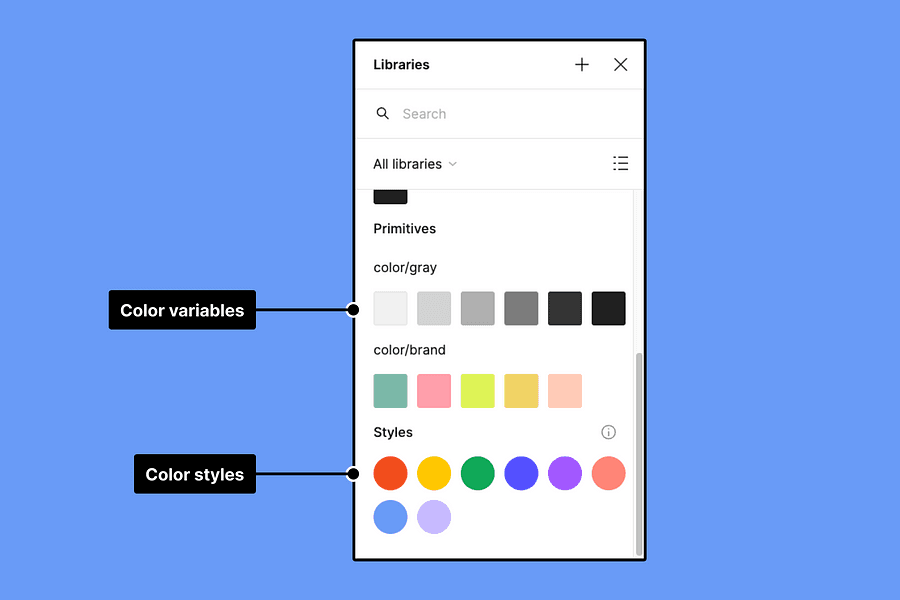
I linked component colors to primary, secondary and complementary color tokens.
Company names, labels and other client-specific copy switch through variables instead of manual edits.
Each client has a mode with its own variable values. Switching modes updates the connected components and prototype screens.
03 — Key insights
04 — Results & learnings
Sales and PMs could prepare branded demos themselves. Designers no longer needed to spend 1–2 days repeating the same color and text changes for every client.
For this project, the useful part of the system was how it fit the team’s routine: choose a client, update the prototype and prepare the presentation.